Saturday, April 27, 2013

Single and Other Downloads Brings Joy to Shutterstock's Contributor

I have been submitting my vector graphics to many different agencies in the past 3 years, and it seems that only Shutterstock is improving in a very constant and improving ways. The IPO of Shutterstock must have really been working out. To be frank, I have been really skeptical about the IPO because it means "change". I don't want to it to change because it has been good so far. But, Shutterstock proves me wrong. Not only the sales has been improving, but the feature of the sites are upgrading too. One very good example would be the Follow, Set, Same Artist, and Customer also Liked features. These features bring back sales to old images and open up an opportunity to new images too. I love how they want their buyers to maximize their download, instead of playing cheeky -  since the more subscription downloads a customer used, the less profit for Shutterstock.

Let's get back about sales in Shutterstock. The very special thing about what's happening recently is the "Single and Other Download" sales  A customer cannot see this package in Shutterstock's Subscribe Page.
So, how exactly Shutterstock bring in these "Single and Other Download" sales? I suspect this is done by a real salesman that walks into a customer office, and sell it.

The prices of "Single and Other Downloads" varies from $0.88 to $120.00. Nobody knows what's exactly happens to it and how did it took place. But, recently Scott Braut from Shutterstock hinted us about it. Here's a snippet of his explanation:

While individual user reports might be describing a variety of customer purchases, we also had a single large-volume educational book publisher purchase a large number of licenses today. 
High "single image" royalties are often the result of a prenegotiated agreement with volume buyers such as large publishers and advertising agencies. These volume buyers may require additional license or workflow features, such as the option for sensitive use, indemnification, multi-user accounts, prenegotiated pricing, and special billing and workflow features.

There goes the two very important point, "large-volume education book publisher" and "prenegotiated agreement". This is important because this means Shutterstock is doing something more than just online marketing. They are now sending marketing agent to workplaces and sell our images. One of my friend told me that IStockPhoto agents do come to his office and sell/market/negotiate prices. They show his boss about new and interesting photos + "gently warn them" not to steal their photos.

Contributors has been reporting a good sales on "Single and Other Downloads" recently, and I hope this continues. While we are really happy about it, we should also hope Shutterstock can cover the cost of their marketing, because when it don't, we are the first to be doomed.


Wednesday, February 27, 2013

14 Most Important Tools to Learn in Adobe Illustrator for Beginners

If you are just starting out to learn Adobe Illustrator, then you will really get yourself into a lot of confusions and overwhelmed by all the tools that are presented to you. As a matter of fact, you only need to learn some important tools to get yourself ready for some illustration.

Below are the 14 most important tools that you will be using all the time:


  1. You must first understand well the differences between  the Two Arrows above. One is to select and move an object, while the one is to select an anchor point of an object. You can also use them to scale and modify an object.
  2. The Pen Tool is the most used tool in Adobe Illustrator. You use to draw everything.
  3. Type Tool. You use this to insert text into your illustrations.
  4. Primitive Object Tool, to draw basic shapes such as rectangle, circle, star, and etc.
  5. The color swapping feature. Do understand that every object contains background color + stroke color. The 3 small options below is for you to have more options on how you want to feature the object, either with or without a stroke/background and gradient color (shading).
  6. Stroke Menu. This is to manipulate how your stroke looks like.
  7. Gradient Menu. To create color shadings.
  8. Transparency Menu. To create opacity or alpha color, so that your object can be seen through.
  9. Color Menu. As mentioned.
  10. Path Finder Menu. This is one of my favorite tool. This is to combine or dissect two or more objects. Do experiment with this tool and you will know how useful it is.
  11. Layers Menu. To put your object on above or below another object.
  12. Character Menu. To modify your text.
  13. Transform Menu. To see the details of an object such as the location and size.
  14. Align Menu. Another favorite tool of mine. Use this to make alignment between two or more objects easier.

Sunday, February 17, 2013

IconBeast Pro: iPhone Icons (Updates)

Previously, I have recommended IconBeast Pro for iOS developers in my blog, and now they have receive a big update for their iPhone icons collection. This is a great news for all the previous and future buyers because these updates are worth it.

IconBeast Pro has receive a massive update of
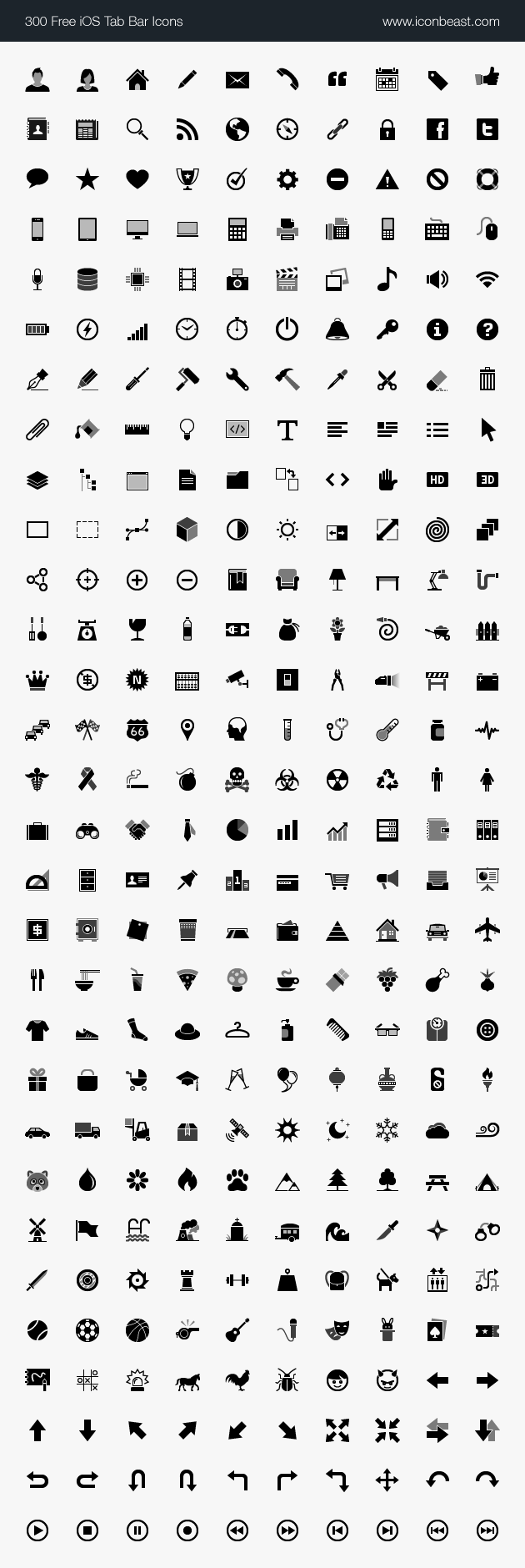
  • 300 new iOS tab bar icons (with retina display)
  • 120 new iOS toolbar icons (with retina display)
  • icon design modification to 15 existing tab bar icons
  • icon design modification to 9 existing toolbar icons
  • fixed some naming errors and PNG sizes
  • SVG files included
These iPhone icons are great in every way, and they are exotic. Some of the iPhone icons are very original and hardly similar to anywhere.

iOS Tab Bar Icons


IconBeast is available in both commercial and free versions. If you are not ready for IconBeast Pro, then check out the IconBeast Lite for the free version.


Wednesday, December 12, 2012

Microstock Earning and Summary for 2012

The year is coming to an end, and here I am to conclude the earning and major hull of 2012. Overall, it has been a great year with improvement in many sites due to heavy uploading and hard works.

Shutterstock has been amazing all along except for the few months in summer holiday (June, July, and August). Although, there is no extraordinary improvement in it compare to last year, but it is still a satisfying year. Every now and then, you hear people announcing BME (best month ever). There is still room for improvement with demands coming in. Shutterstock introduced SOD (Single and Other Downloads), and there are people who reported netting $120.00 for one single download. This is a major leap for Shutterstock and the whole microstock industry. This proves that there are buyer who are willing to pay a lot of money for stock photos and vectors. Apart from that, Shutterstock has also introduce a new Follow feature that allows buyers to keep track on contributor's new files.

IStockPhoto has been catastrophic for its exclusive contributors in 2012. Ever since the introduction of RC (Redeemed Credits), IStockPhoto has been on a major downturn. Major contributors had been reporting a loss of 50% in recent months. The site is buggy and slow as well. And due to their greediness on hauling contributors earning percentage to as low as 15%, contributors had been driving customers away. They no longer recommend IStockPhoto to their customers. This is the power of words of mouth. Due to the obvious  major downturn, IStockPhoto's management is in the panic and is trying to gain back contributor's trust by reaching out to them through the forum and promise to do what they could to restore it back to its former glory. This is difficult though, because there are layers of politics and hierarchy in IStockPhoto management.

IStockPhoto's major downturn is not a good news for every contributors in the whole microstock industry . If the exclusive contributor turns independent, their exclusive photos and vectors file will start to flood into the market, and thus creating a massive competition among contributors. By leaving exclusivity at IStockPhoto, one contributor's earning will undoubtedly drop to hell at IStockPhoto. As a matter of fact, many major vector artist in iStockPhoto are icon designers. Their icons are normally grouped in a set of 12-16 icons. They sell this for about $15.00. However, in site like Shutterstock, many vector artist grouped over 100 icons in a set and earn about $0.50 average per download. By understanding this simple scenario, it would mean hell for iStockPhoto's exclusives if they are to leave exclusivity because the competition out here is crazy and may be too wild for them. So, if you are an independent contributor, please do not be sadistic about IStockPhoto's problem, because it may soon be yours.

Fotolia continues to be OK in earning, but they still rejects all my work. Due to this, I cannot increase my earnings at Fotolia. They don't communicate with contributors even when you try hard to contact them. I just hope they change their reviewers soon as their reviewers have very different opinions with standard reviewers in the industry.

123rf is doing OK too, but not good enough. Many contributors failed to reach the Redeemed-Credit rate of 50% for next year. Good for 123rf, bad for contributors. I hope they will soon learn that contributors is an important asset for the success of a microstock company, and appreciate us a bit more.

CanStockPhoto and DepositPhotos are doing well throughout the year. DepositPhotos has been advertising hard and creating a lot of promotions. DepositPhotos acceptance rate are high too and less stressful. However, I think they need to increase their price, especially for subscription package. As for Dreamstime, they has been doing well near the end of the year. A lot of on-demand sales and they are less strict in accepting my files these days. However, Dreamstime continues to approve vector file in a very slow manner.

Crestock is rubbish. Despite a change in management, they continue to fail in getting customers. Not only sales are rare, all of them are subscription sales that earns me only $0.25/download, the lowest in the industry.

GraphicRiver continues to sell in constant rate throughout the year, but agency like this must step up a bit more in case they wanted to reach the next level. I have not been uploading here for a long time because the acceptance rate is low, inconsistent, and the uploading process is a hassle. I do think Envato pays very little attention to GraphicRiver because Envato has many other sub agencies to take care of. They should start accepting more work and turn it into a real stock site. At the moment, it is more of a community-driven site.

Graphicleftovers - nothing special about this site. Sales are slow, and rarely reach $50.00 a month.

--

So what is it up for us next year? I just wish Shutterstock will continue to rise steadily and the IPO thing will not interrupt the daily operation. I wish IStockPhoto's management can gain back the trust of its exclusive contributors so that we all can have a win-win situation here. Fotolia should review their reviewing process, and GOD DAMN IT, PLEASE ACCEPT MY WORK ALREADY. CanStockPhoto, DepositPhotos, Dreamstime, and 123rf, please be a little more aggressive in 2013.

Sunday, October 14, 2012

iOS Tab Bar and Toolbar Icons

If you are an iOS app developers, then you will be needing a lot iOS tab bar and toolbar icons to make your app more beautiful and stunning. There are graphic designers who create these icons for a price, while some are for free. Over here, I will be recommending IconBeast Pro.

IconBeast Pro is a set of over 1000 vector icons which priced at $75. These are icons are ready-to-use for iOS app with retina display supported. These icons are not only stunning, but they are pixel perfect even if you don't have a retina display devices. By purchasing IconBeast Pro, you will be granted a royalty free license and you are also entitled to free update when IconBeast Pro adds more icons in the future. This is a good bargain.

IconBeast Pro | iPhone Tab Bar and Toolbar Icons ($75)
IconBeast Lite | Free iOS Tab Bar Icons (Free)


300 Free iOS Tab Bar Icons